CAD import
From a CAD file to a finished order in seconds.
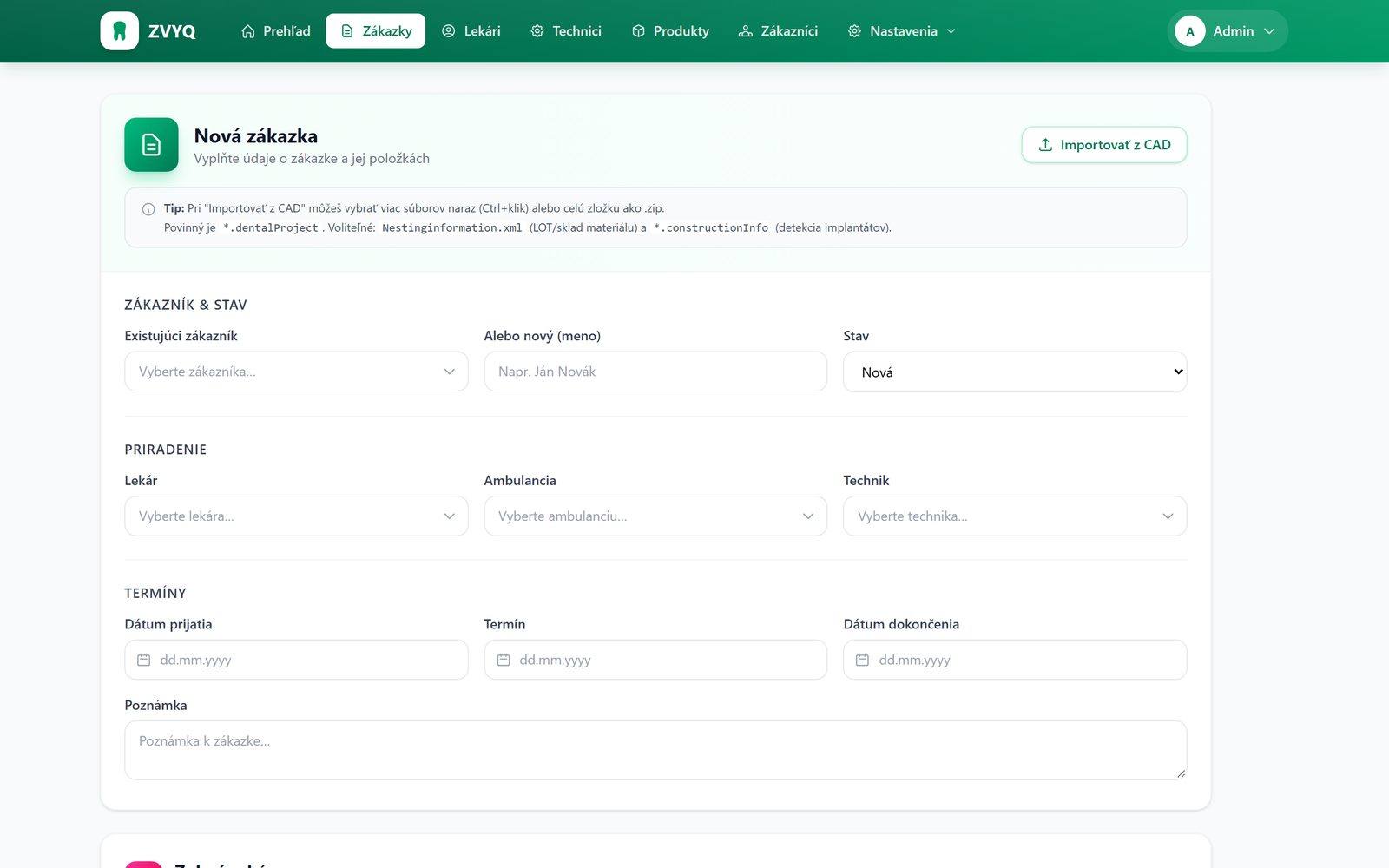
In a new order, click “Import from CAD”, choose the .dentalProject file and the form fills itself in. Patient, dentist, technician, teeth, material, shade and due date.
What gets imported
Straight from the file into the form.
- Patient, dentist and technician, matched to existing records
- Teeth and restoration type by tooth number
- Material and batch from Nestinginformation.xml
- Shade and notes from .constructionInfo
- Due date
A .dentalProject file is enough, or simply the whole ZIP from your CAD software. New patients are added with a single click.
Novakova_Eva_2026-09-21.dentalProject
38 kB
<DentalProject>
  <Patient>
    <LastName>Nováková</LastName>
    <FirstName>Eva</FirstName>
  </Patient>
  <Practice><Name>MUDr. Kováč</Name></Practice>
  <Teeth>
    <Tooth><Number>14</Number><ReconstructionType>AnatomicCrown</…>
    <Tooth><Number>15</Number><ReconstructionType>AnatomicPontic</…>
    <Tooth><Number>16</Number><ReconstructionType>AnatomicCrown</…>
  </Teeth>
  <ToothColor>A2</ToothColor>
  <DueDate>2026-09-28</DueDate>
</DentalProject>New order2026-00143
- Patient
- Nováková Eva found
- Dentist
- MUDr. Kováč matched
- Technician
- Horváth
- Teeth
- 141516
- Material
- Zirconia × 3
- Shade
- A2
- Due date
- 28/09/2026
Reading file…Save order
Mapping
The restoration type becomes a treatment.
The system understands restoration names from common CAD software. Healthy and missing teeth are skipped, implants are recognised from .constructionInfo.
| AnatomicCrown, ReducedCrown | Crown |
| AnatomicPontic, Bridge | Pontic |
| ImplantCrown, ScrewRetained | Implant |
| Abutment, PostAndCore | Post |
| ZI · PMMA · EMAX · TI · WAX | Zirconia · PMMA · e.max · Titanium · Wax |
See ZVYQ working on your own orders.
Bring a .dentalProject file and we will run the demo on your data. It takes thirty minutes.
Or write to us at email.