From a CAD file to a finished order.
Upload a project from your CAD software and ZVYQ creates the order for you. Patient, dentist, technician, teeth, material and due date. The technician sees exactly what the dentist sent.
Works with what your lab already uses
- CAD projects
- Material QR codes
- PDF and email
- Invoicing with QR payments
- Phone and computer
A dental chart instead of a form.
Click a tooth, pick a shade, assign a technician. Entering an order takes a minute and the technician sees exactly what the dentist sent.
- FDI chart with crowns, pontics, implants and posts
- Shade from the shade guide plus a colour note
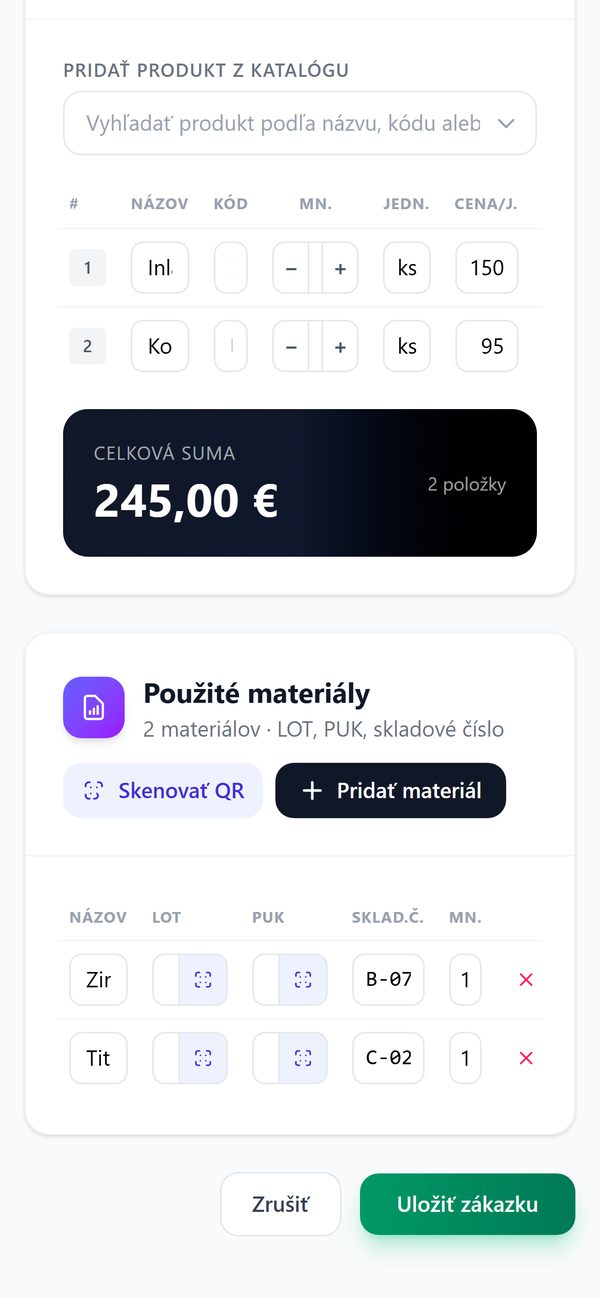
- Materials used, with LOT batch and PUK, via QR
- Delivery note, prosthetic label, email and invoice in one place
- Crown 0
- Pontic 0
- Implant 0
- Post 0
Everything your lab handles every day.
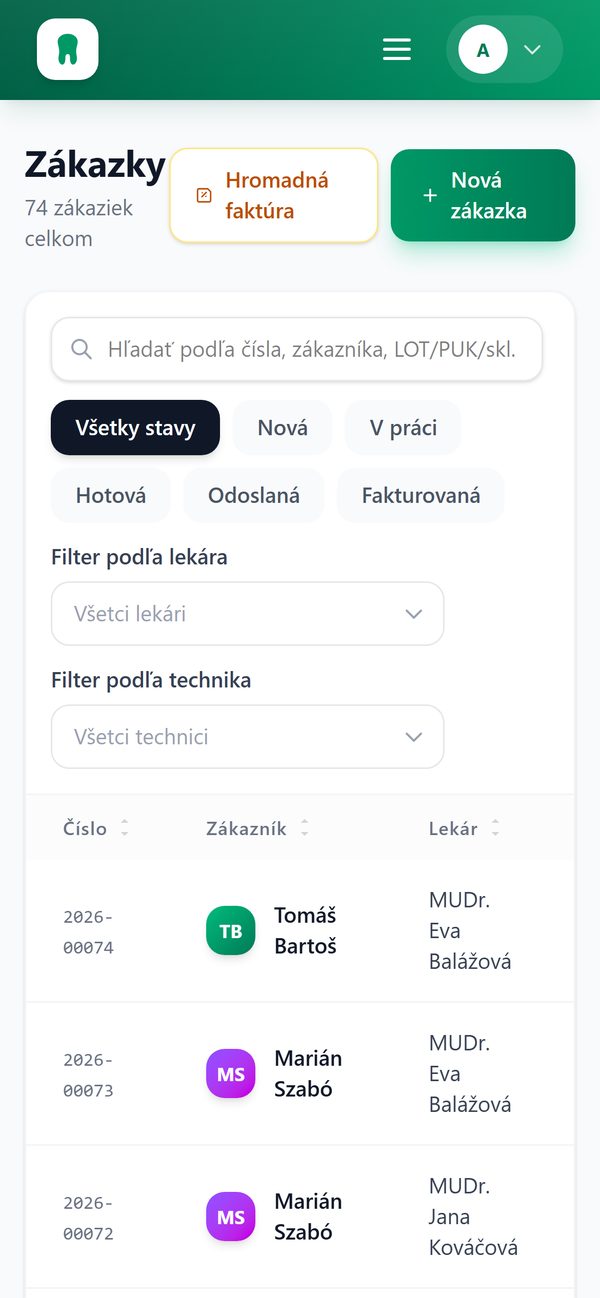
Every order carries the patient, dentist, technician, teeth, materials and invoice. No spreadsheets, no sticky notes on the bench.
CAD import = finished order
A project from your CAD software creates the order automatically. New patients are added with a single click.
Dental chart
FDI chart 11–48, treatment per tooth, shade and colour note.
Tracking for patients
Send the patient a link and they can check the status of their work themselves. Fewer “when will my teeth be ready” calls.
Invoicing included
Invoice an order in one click, with a QR code for payment. Batch invoices per practice and payment tracking.
Materials via QR
Scan the LOT, PUK and stock number with your phone camera. Every crown has a traceable batch.
Delivery note and prosthetic label
PDF in one click and an email to the dentist straight from the order, with a record of when and to whom it was sent.
Patients can see when their teeth will be ready.
Create a link in the order detail and send it to the patient by text message or email. The page shows the status of the work and the expected date, no sign-in needed. Neither the name nor any prices are shown.
The same app in the lab and at the front desk.
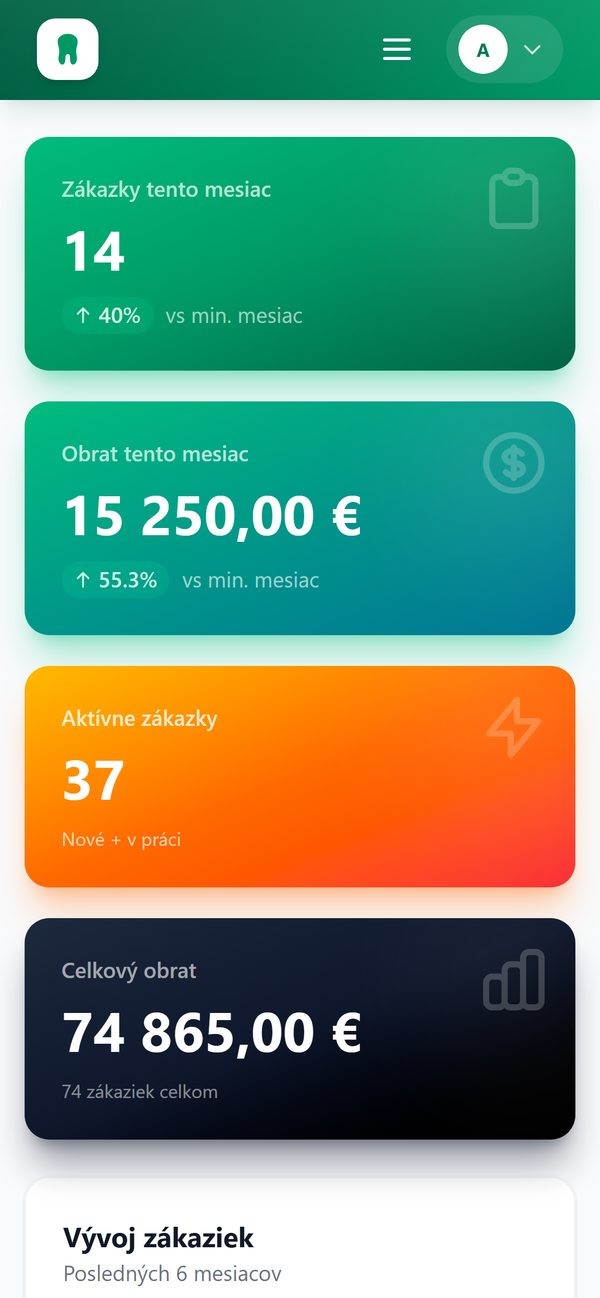
Overview, orders and material QR scanning right in your phone’s browser. Nothing to install.
See ZVYQ working on your own orders.
Bring a project from your CAD software and we will run the demo on your data. It takes thirty minutes.
Or write to us at email.